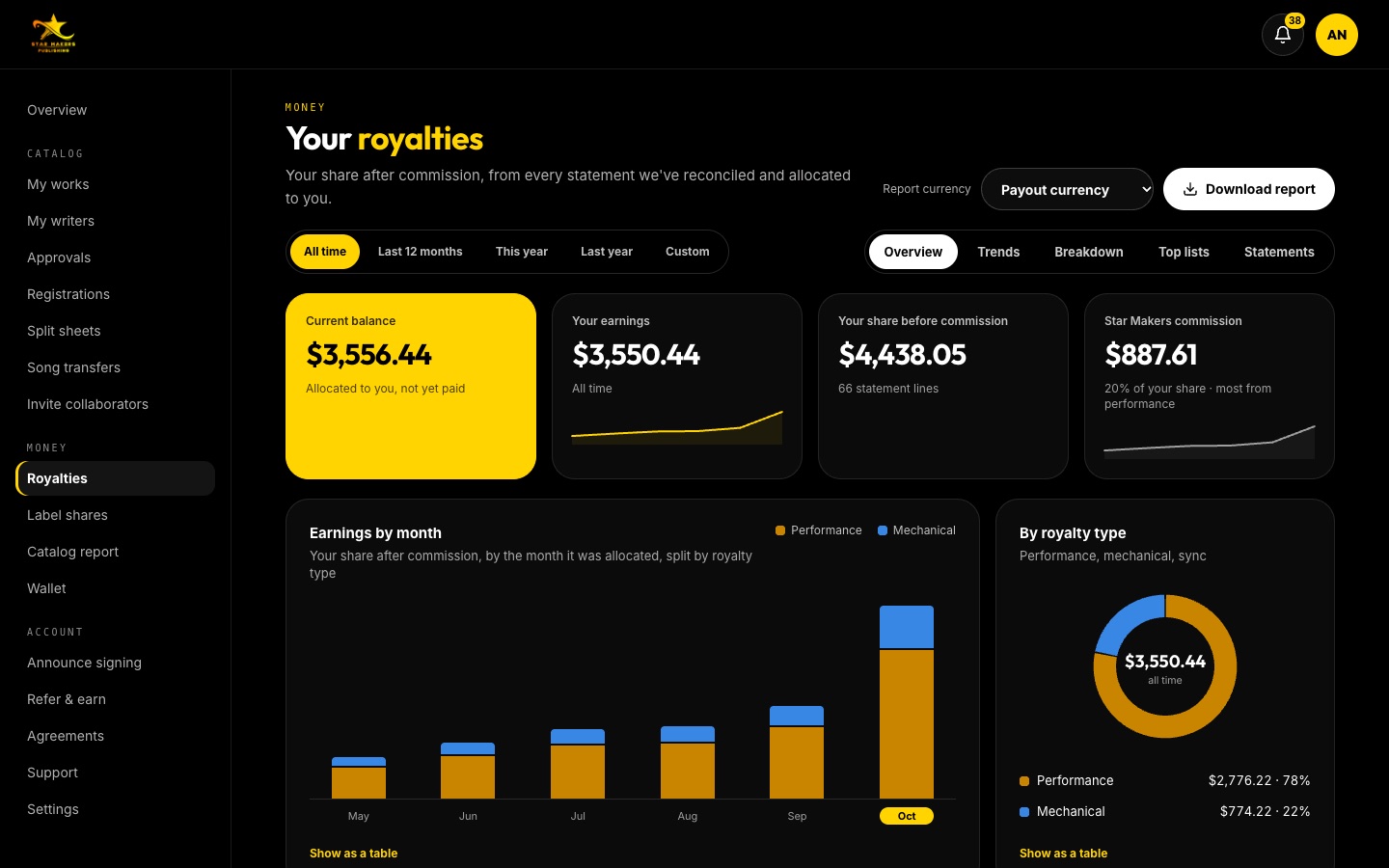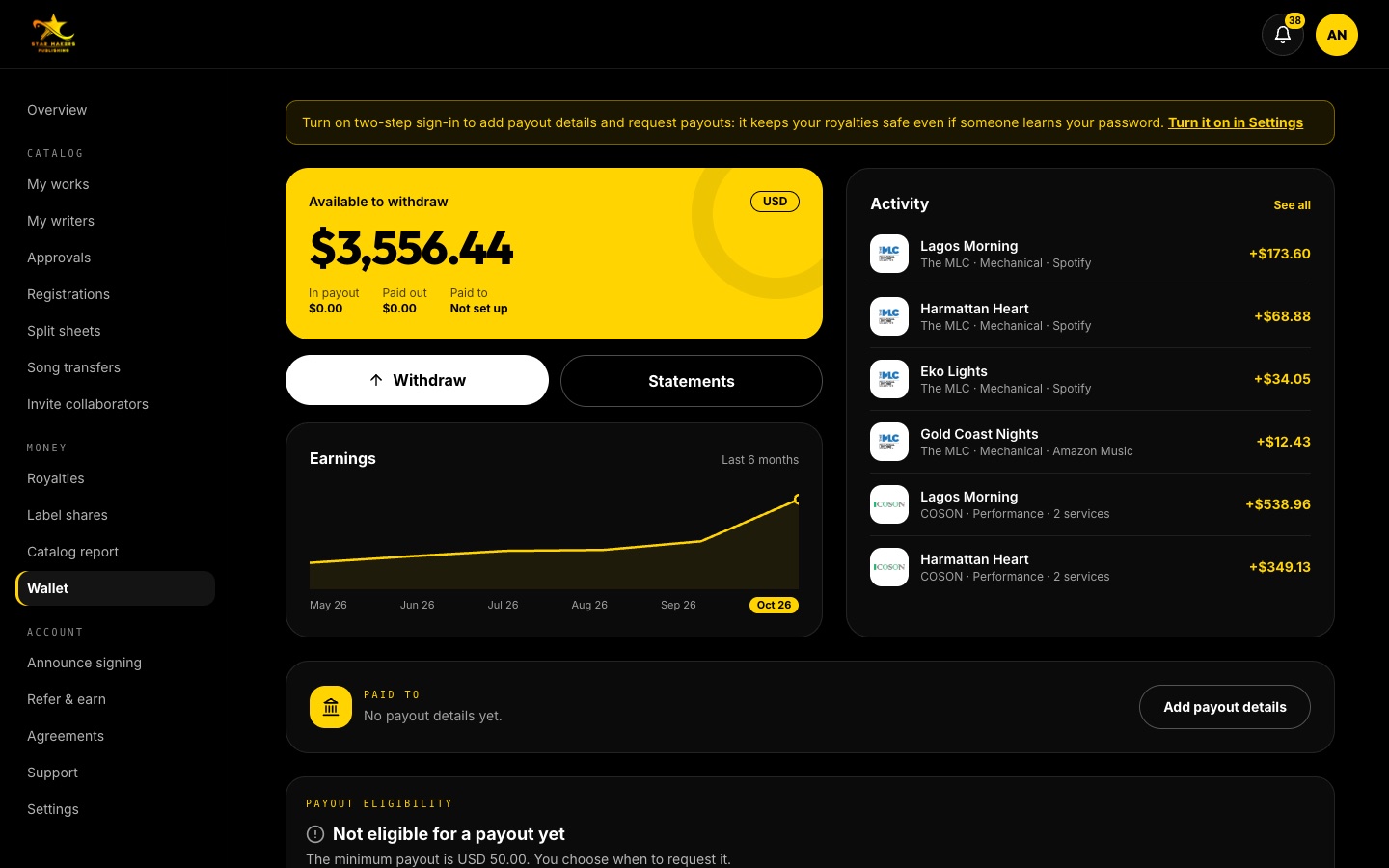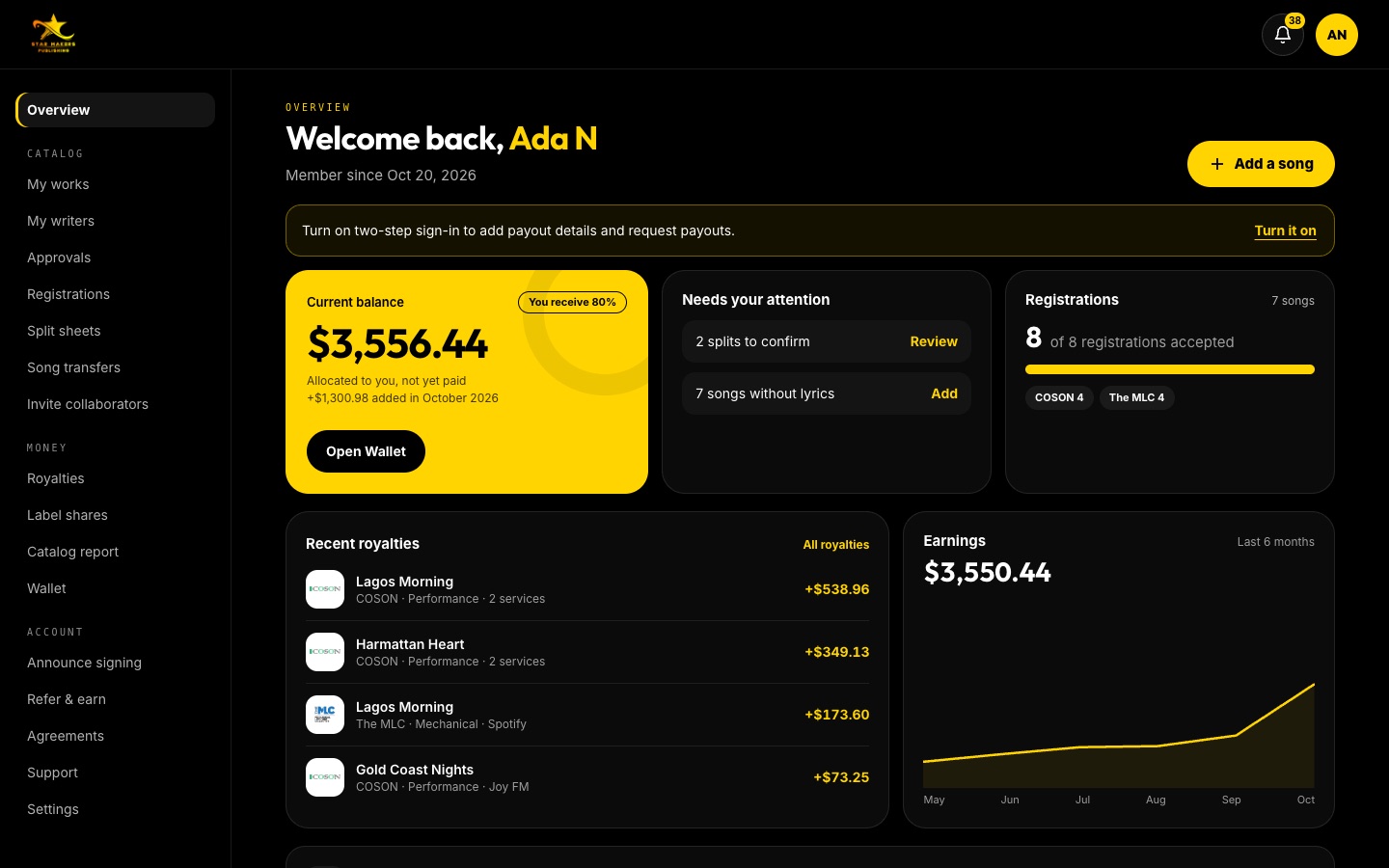
Statements to the cent.
Every statement as a PDF or CSV, with opening balance, earnings, payments and closing balance. Open the royalty details to see each line: the song, the society that reported it, where it was used and what you earned.
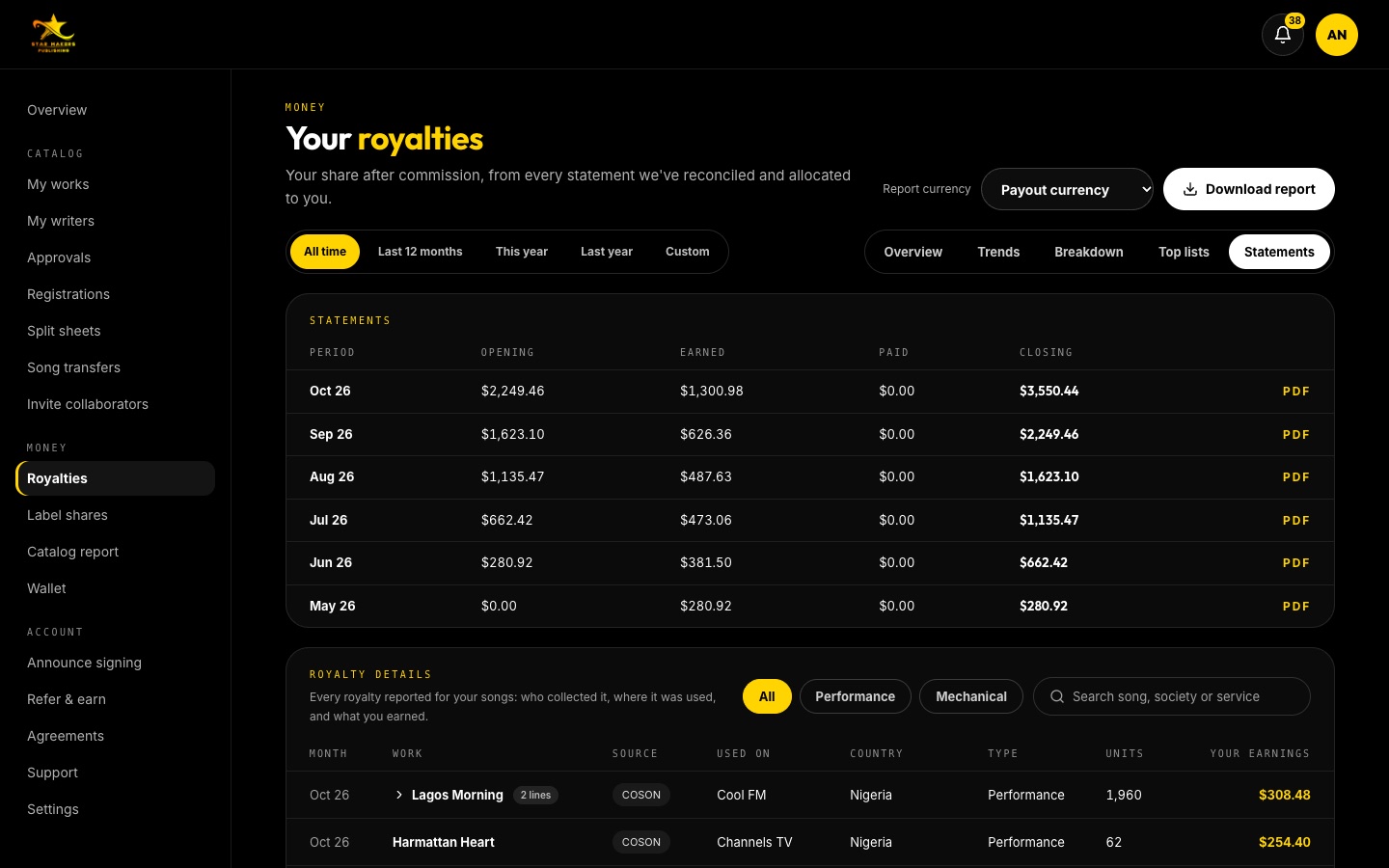
- 01A statement every month, as PDF or CSV
- 02Every royalty line: society, service, country and amount
Built for writers.
Every line, not just totals
Royalty details group similar lines by month; open any group to see each line on its own.
Who paid
Each line names the collecting society or service that reported it, as the statement gave it.
Exact amounts
Small amounts are shown exactly, down to fractions of a cent, so totals always add up.
Three steps. That’s it.
- 01
Open Statements
In Royalties, choose the Statements tab.
- 02
Read the details
Search by song, society or service, or filter by royalty type.
- 03
Download
Each statement as a PDF; your data as CSV.
Statements, answered.
How often do I get a statement?
Your statement shows each month royalties were added to your account.
Can I share statements with my accountant?
Yes. Download the PDF or CSV and send it to whoever needs it.